How to log in to Ongoing WMS
Table of contents
Introduction
Every company has its own unique URL to access Ongoing WMS. To access your Ongoing WMS, you need to enter that URL in your web browser. If you don't know the URL, please contact your system administrator or your logistics provider (3PL). Typically the URL will be in the format https://[yourcompany].ongoingsystems.se/[yourcompany], but it can also be a custom URL if your company has had one set up. If you are a customer to a 3PL, you should have received the URL from your 3PL provider.
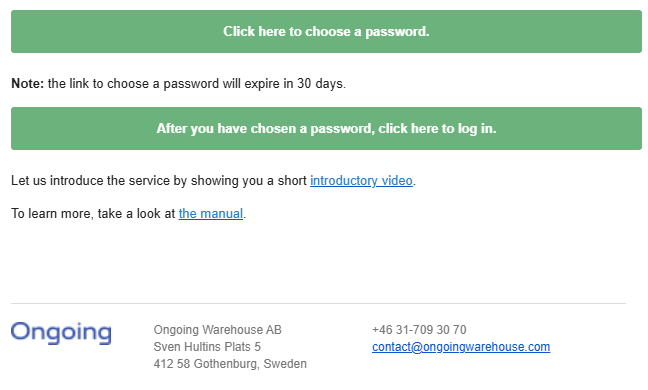
When you are given access to Ongoing WMS by a system administrator, you will get an email coming from wms@ongoingsystems.se, where you will be asked to set up a password. This link is valid for 30 days. The system URL can also be found in this email, on the button where you are asked to log in.
Ongoing strongly recommends that you activate two-factor authentication (2FA) for your account. With two-factor authentication, you will need to provide a code from an app on your phone (or by email) in addition to your password when you log in. This makes it much harder for unauthorized people to access your account, even if they have gotten hold of your password. You can read more about how to set up two-factor authentication in Ongoing WMS in this guide: Two-factor authentication in Ongoing WMS.
Access levels
Administrator or warehouse worker
This is the most common type of login, if you run your own warehouse or if you are a logistics provider. Note that you may sometimes wish to log in to the scanning interface on a handheld device, in which case you append "/scanning" to your system URL. Read more about accessing the scanning interface in this guide: Accessing the scanning interface in Ongoing WMS.
Customer login
If you are a client to a 3PL using Ongoing WMS, this is the most likely account that you will have. You still log in to the system URL as defined in the welcome email received from Ongoing. If you are unsure how to log in, please reach out to your 3PL.
Read this guide to learn more about the functionality of the customer login.
Other types of logins
Ongoing also provides other types of limited access logins, such as the reseller login and supplier login. These accounts also use the system URL described above.